- Games
- Simulation Games
- Animal Crossing
- Animal Crossing: New Horizons
Locate your villagers in Animal Crossing New Horizons thanks to the new megaphone
When you purchase through links on our site, we may earn an affiliate commission. Here’s how it works.
 (Image credit: Nintendo)
Share
Share by:
(Image credit: Nintendo)
Share
Share by:
- Copy link
- X
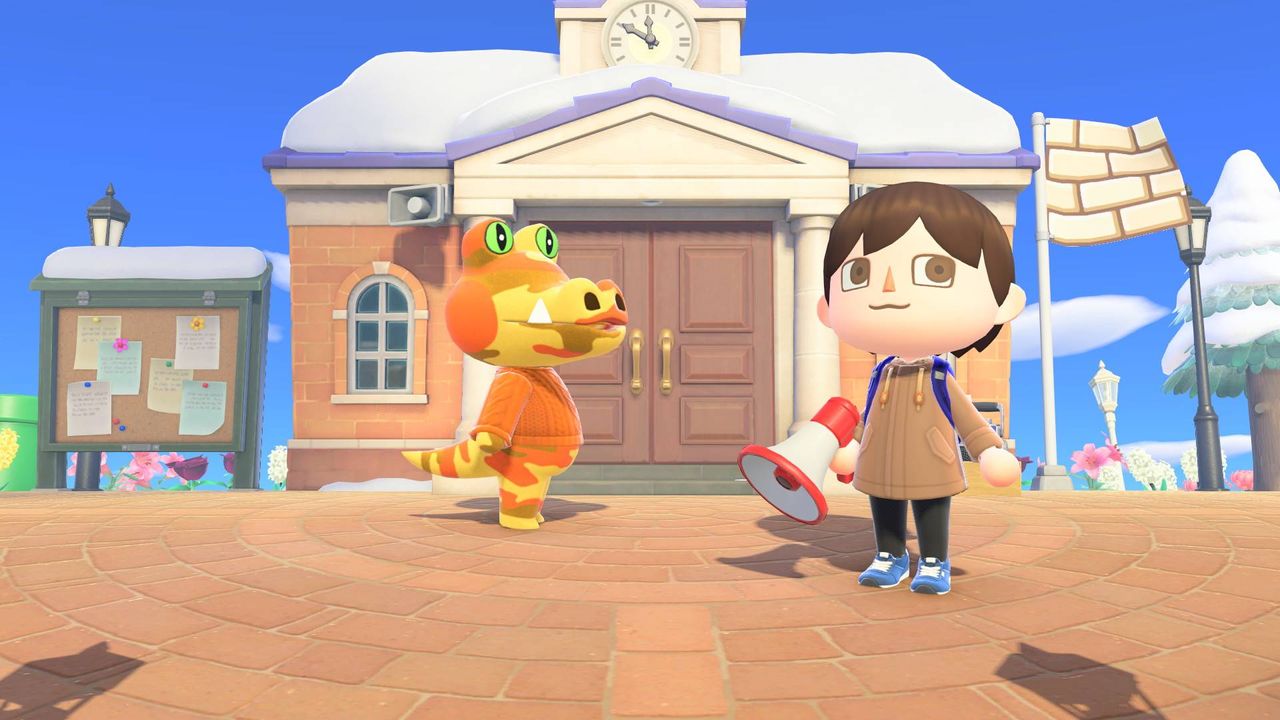
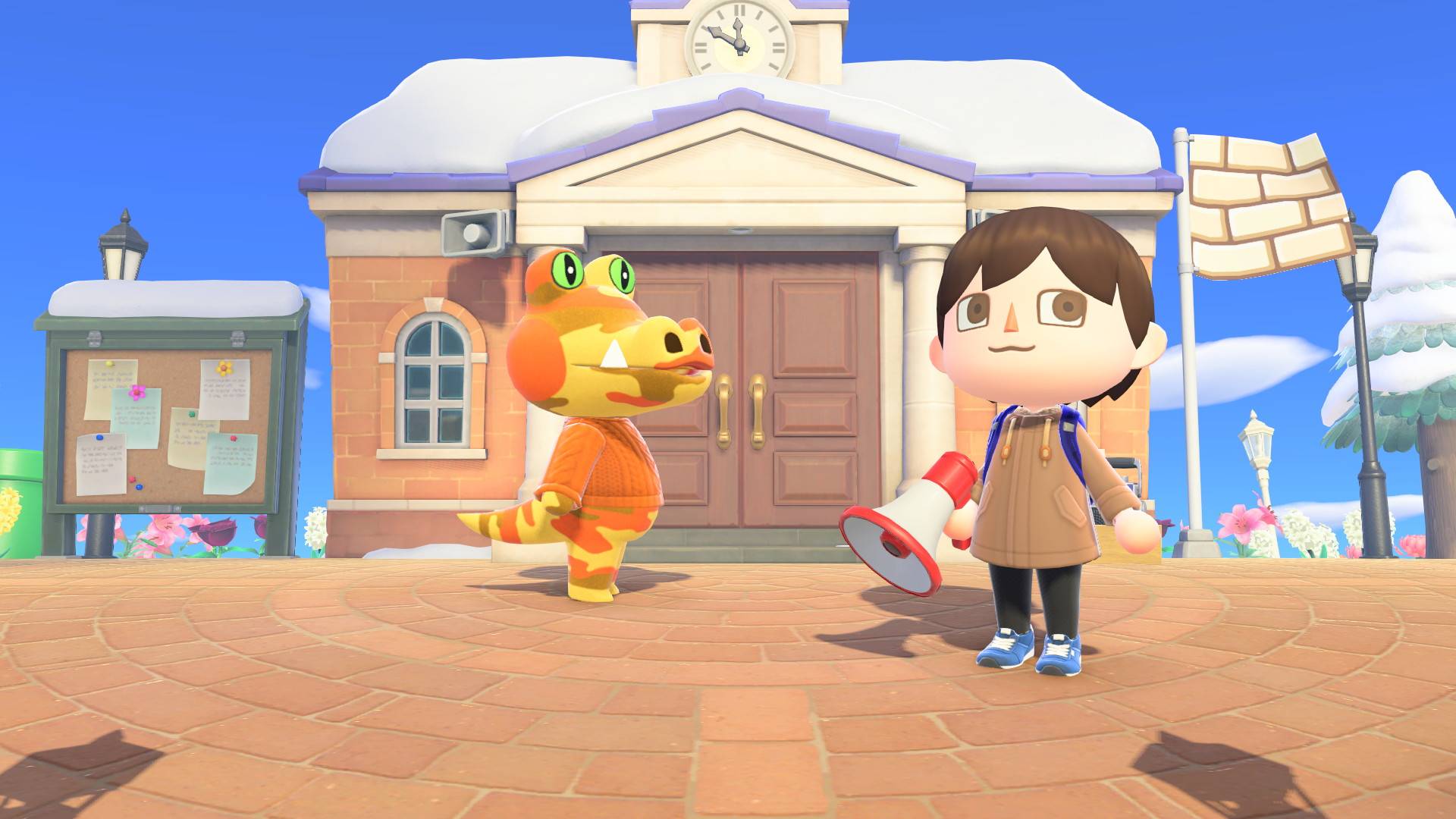
The Animal Crossing New Horizons megaphone lets you call out to specific villagers to help you find them on your island. Thankfully, getting one is very simple, as you just need to pay a visit to Nook's Cranny with some Bells in your pocket. But there's a pretty big caveat in that it's exclusive to the Switch 2 version of the game as it relies on you being able to easily use a microphone. So, assuming you've got a Switch 2 and the upgraded version of the game, here's everything you need to know about buying and using a megaphone in ACNH.
How to get and use the Animal Crossing New Horizons megaphone
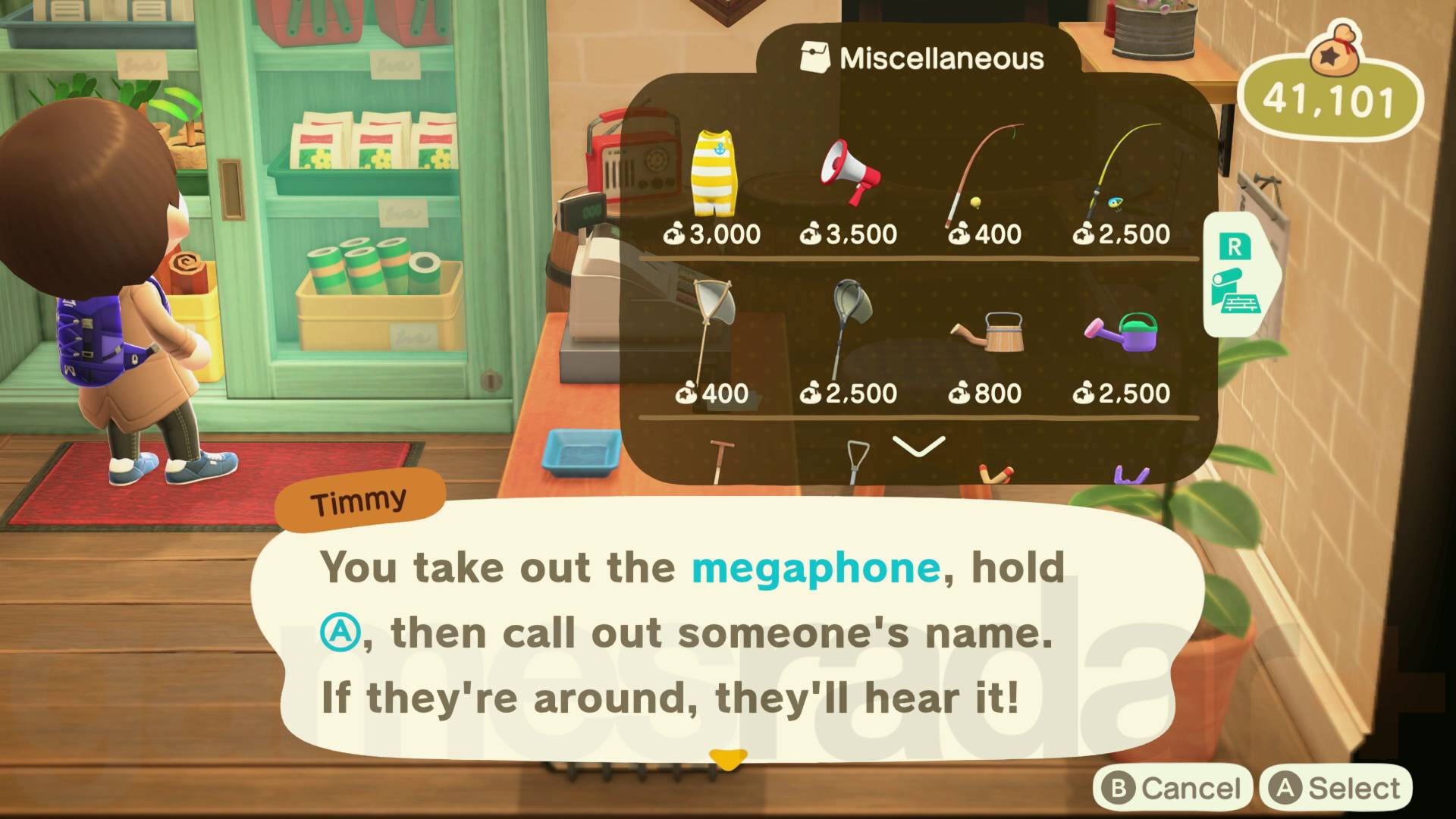
To get a megaphone, you need to buy one from Nook's Cranny, specifically from the green cupboard on the right, just next to the till. One megaphone costs 3,500 Bells and there's no limit on the number you can buy, although you will likely only ever need one as it doesn't degrade through use like other tools.To use the megaphone, stand outside with it in your villager's hand and hold A. While you're doing so, you can say the name of any islander NPC to get their attention, be it one of your regular villagers, a visitor like Flick or CJ, or a special resident like Kapp'n. If you've got a headset with a microphone, the game should pick up what you're saying through that, otherwise it'll use the Switch 2's onboard microphone – you can of course configure your microphone settings by scrolling down to the Audio tab in the Switch 2 System Settings menu.
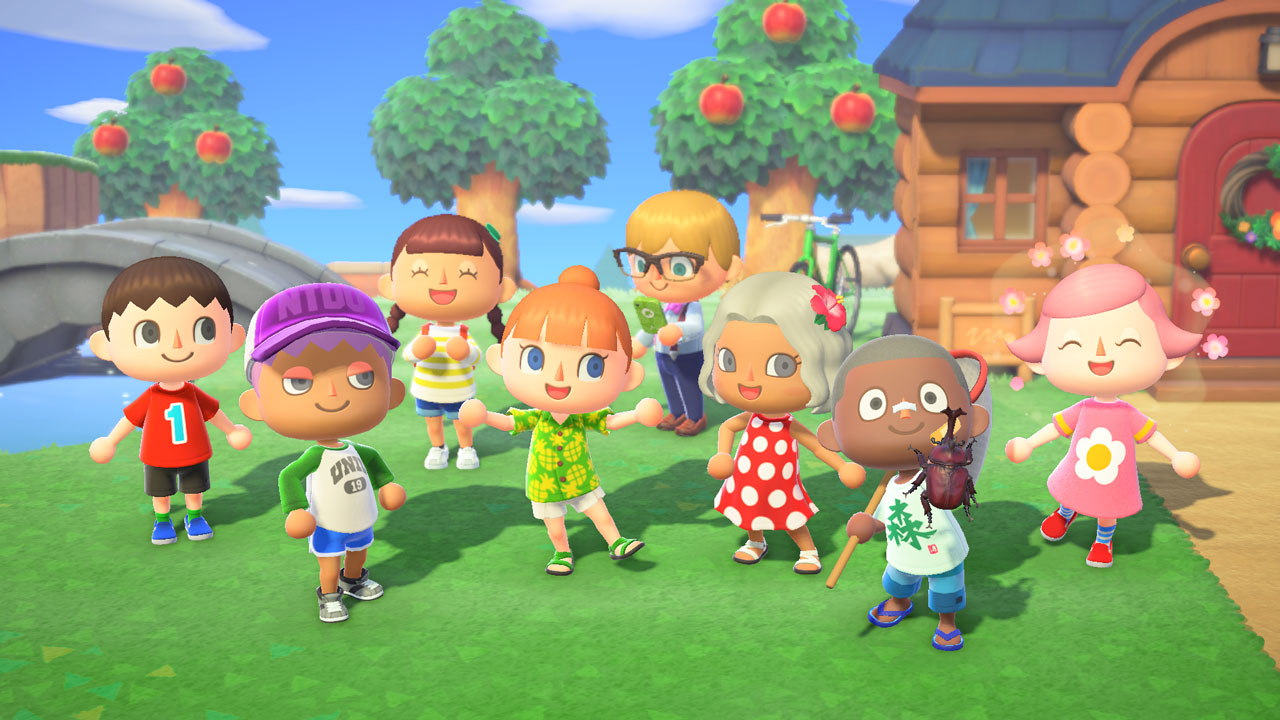
If you happen to be upgrading to a Switch 2, make sure you know how to transfer your Animal Crossing New Horizons save to Switch 2 as well as how the megaphone works.
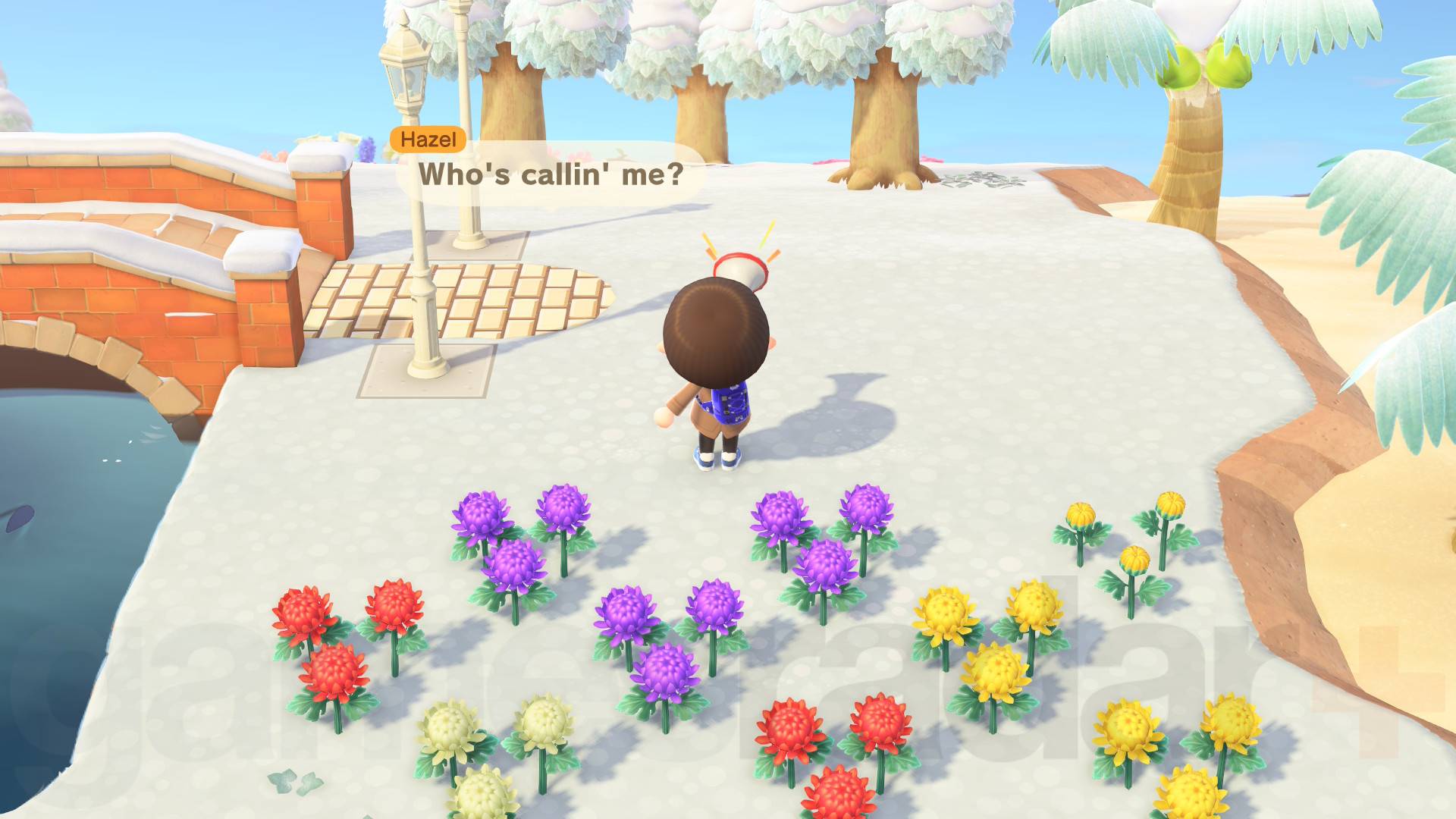
If the NPC is outside, they will let you know where they are with a speech bubble that appears somewhere on the edge of your screen, indicating in which direction they are from you. However, if the NPC is in a building, such as their own house or the museum, you'll get a message that says, "No reply… Maybe they aren't nearby?", and no indication of which building they're in, so you'll have to search manually.I've also found that the game can be massively inconsistent when it comes to understanding whose name you're saying – it's like Nintendogs all over again! Just be warned that the megaphone can be quite annoying to use for that reason.If you don't have a Switch 2, don't worry as there are plenty of useful features in the Animal Crossing New Horizons 3.0 update! For example, you can recruit Resetti for his Animal Crossing New Horizons Reset Service.© GamesRadar+. Not to be reproduced without permission.
You may like-
 The new Animal Crossing update has reignited my need to own every Nintendo Switch New Horizons accessory
-
 How to use Resetti's Rescue and Reset Services in Animal Crossing: New Horizons
-
 Here's all the Switch amiibo you need to unlock the New Horizons Zelda and Splatoon characters
 Will SawyerSocial Links NavigationGuides Editor, GamesRadar+
Will Sawyer is a Guides Editor at GamesRadar+ with over five years of experience in writing online guides, news, and features, and has a BA (Hons) in Journalism. Starting as a freelancer, Will contributed to startmenu and Game Rant before joining the GamesRadar+ team in August 2021. Since then, he has written hundreds of guides about a huge range of games, with shooters and action games being his areas of expertise. Outside of writing about games, Will hops between multiplayer shooters with friends, such as Darktide and Helldivers 2, and delves into whatever has been on his backlog for far too long. He also tries to get through his never-ending Warhammer pile of shame of grey Tyranids, Aeldari, and Chaos Space Marines.
Show More CommentsYou must confirm your public display name before commenting
Please logout and then login again, you will then be prompted to enter your display name.
Logout Read more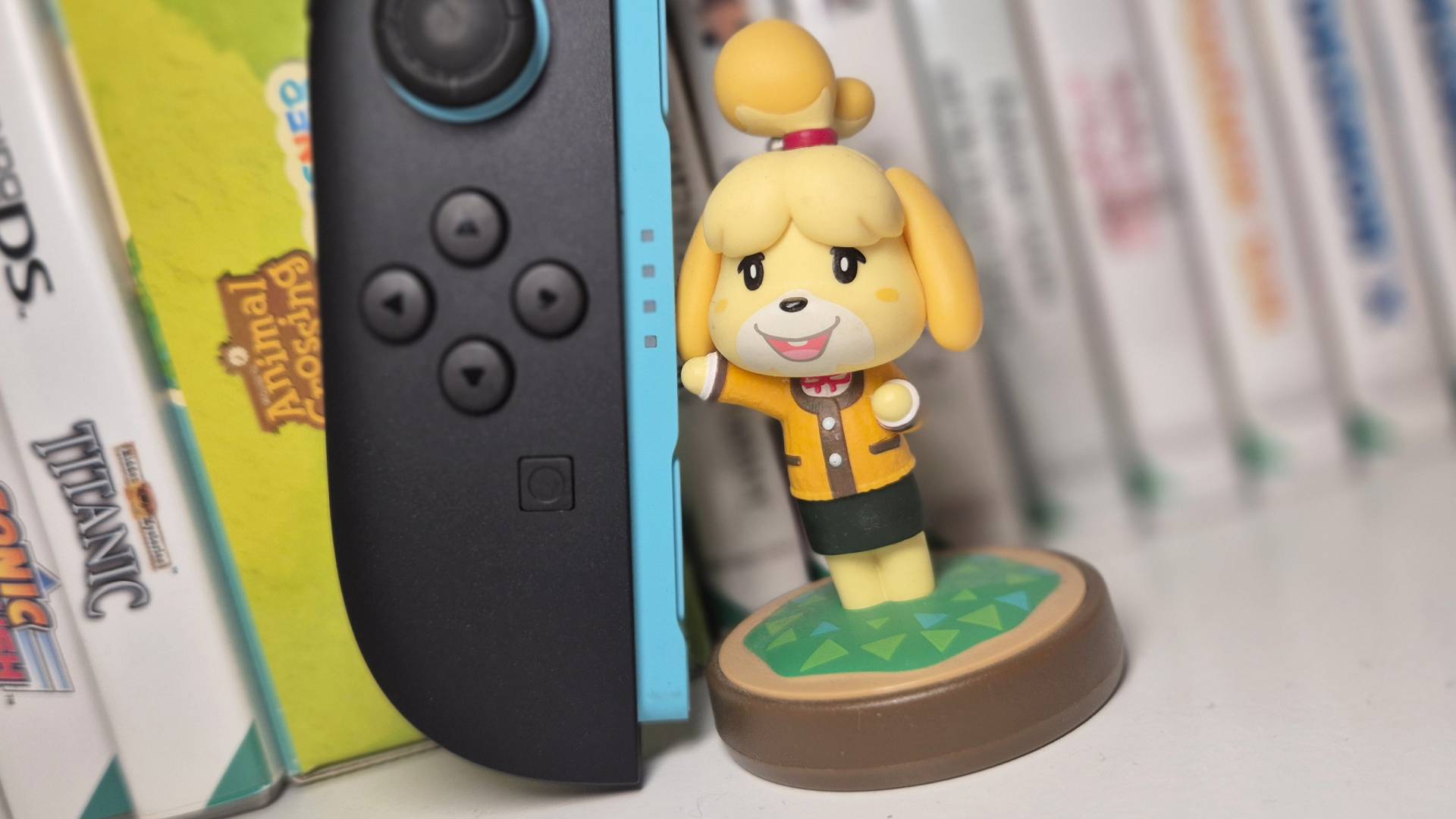 The new Animal Crossing update has reignited my need to own every Nintendo Switch New Horizons accessory
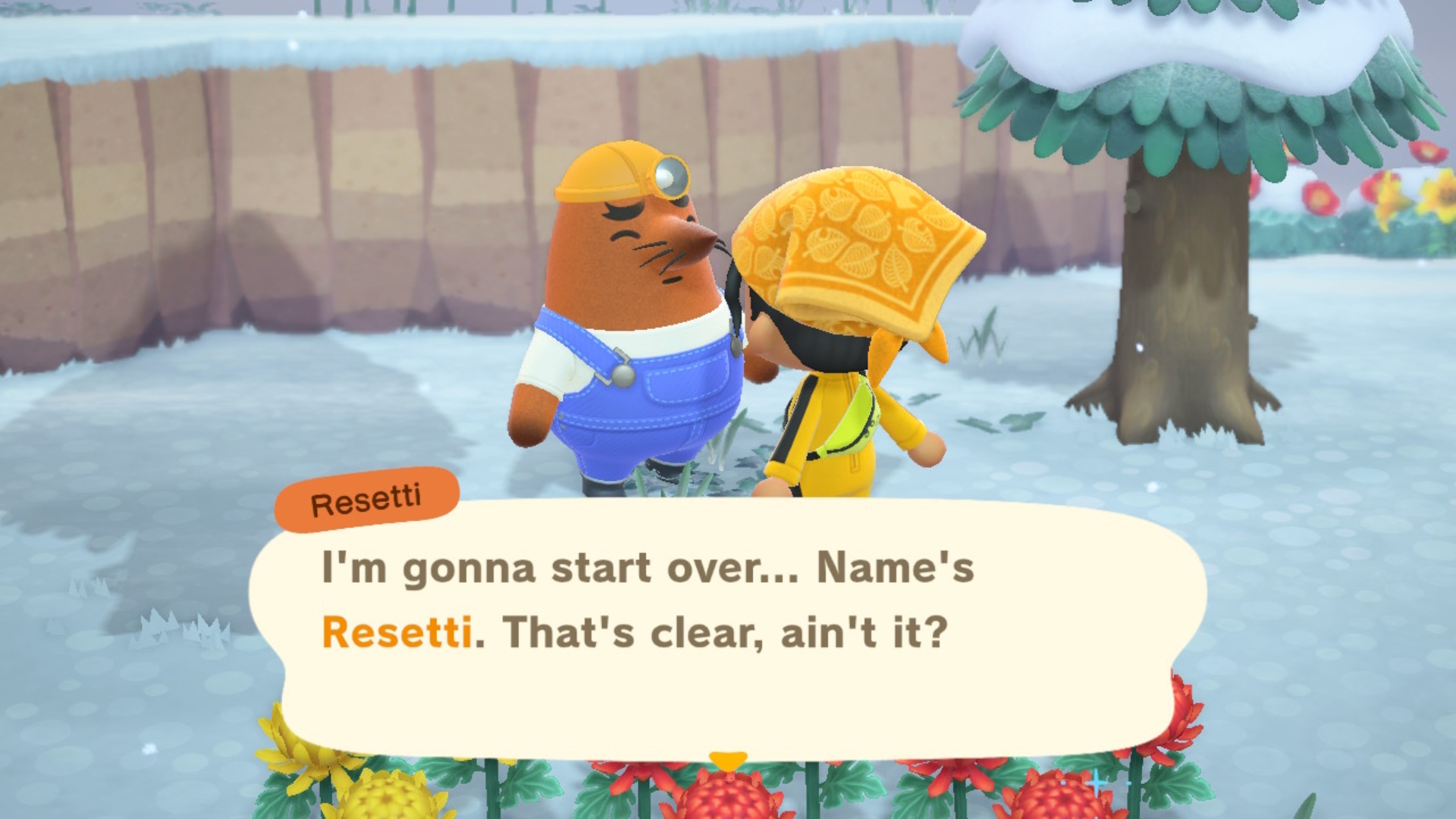 How to use Resetti's Rescue and Reset Services in Animal Crossing: New Horizons
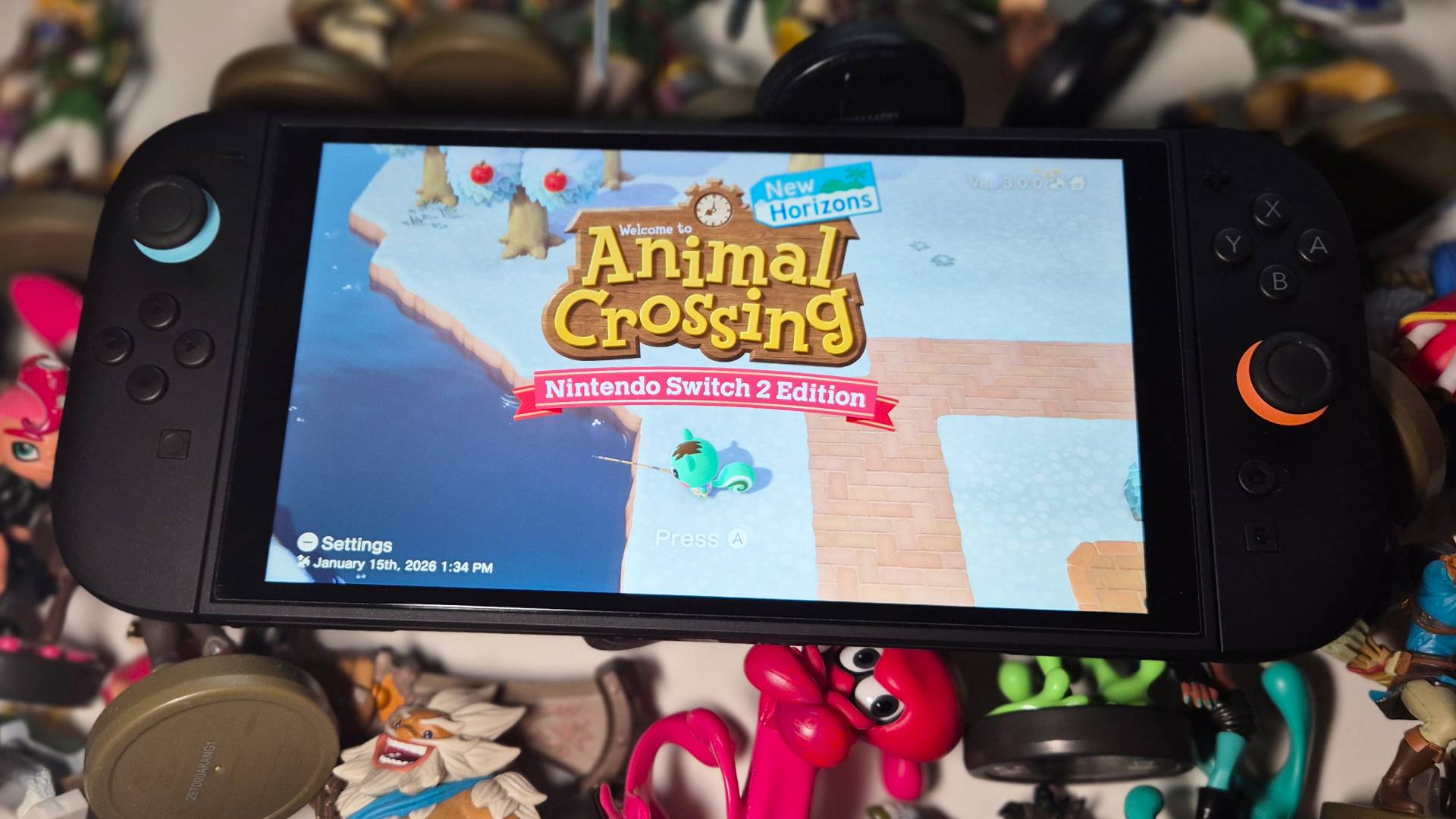 Here's all the Switch amiibo you need to unlock the New Horizons Zelda and Splatoon characters
 How to get the Froggy Chair in Animal Crossing: New Horizons
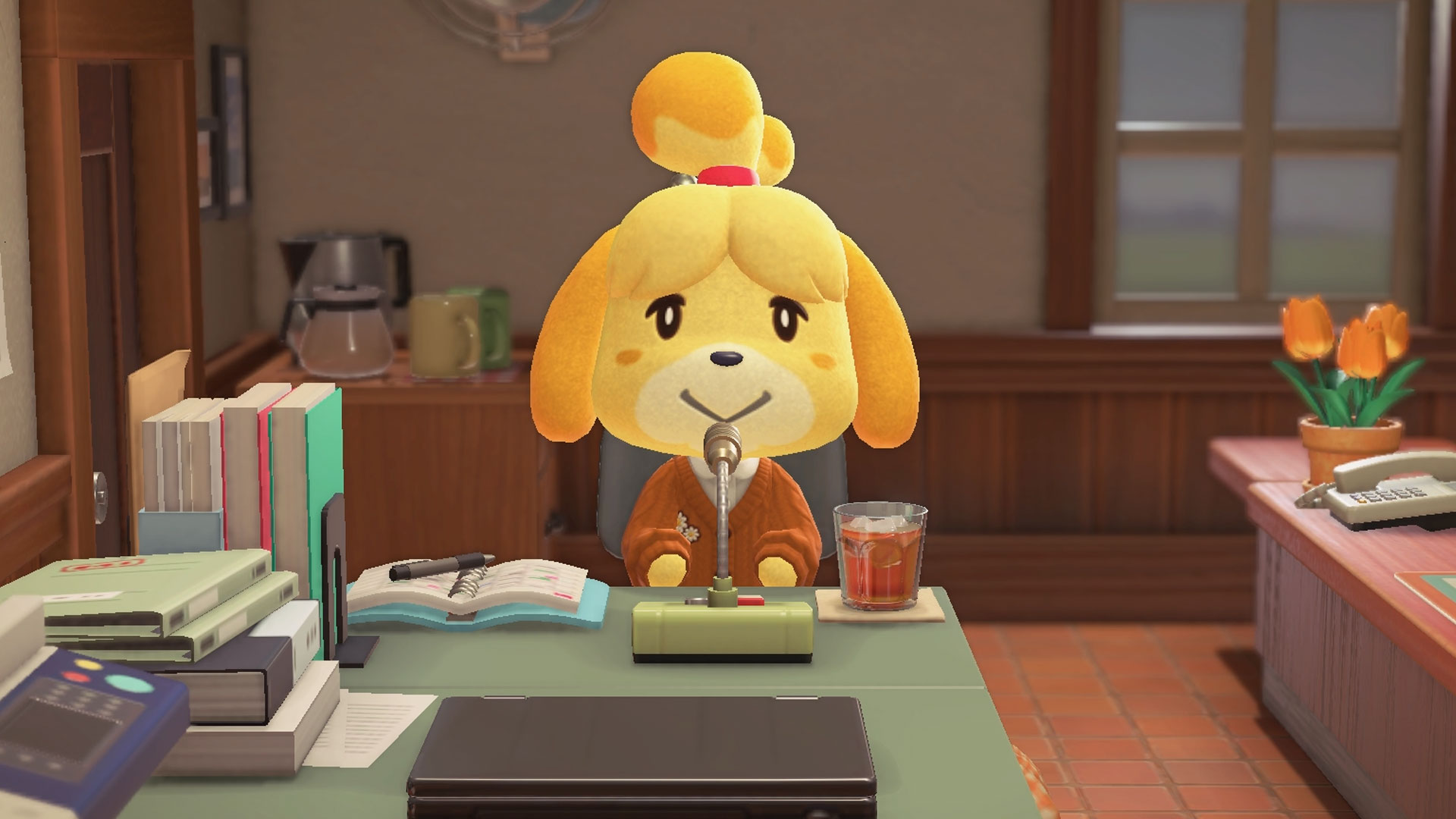 How to find Isabelle in Animal Crossing: New Horizons
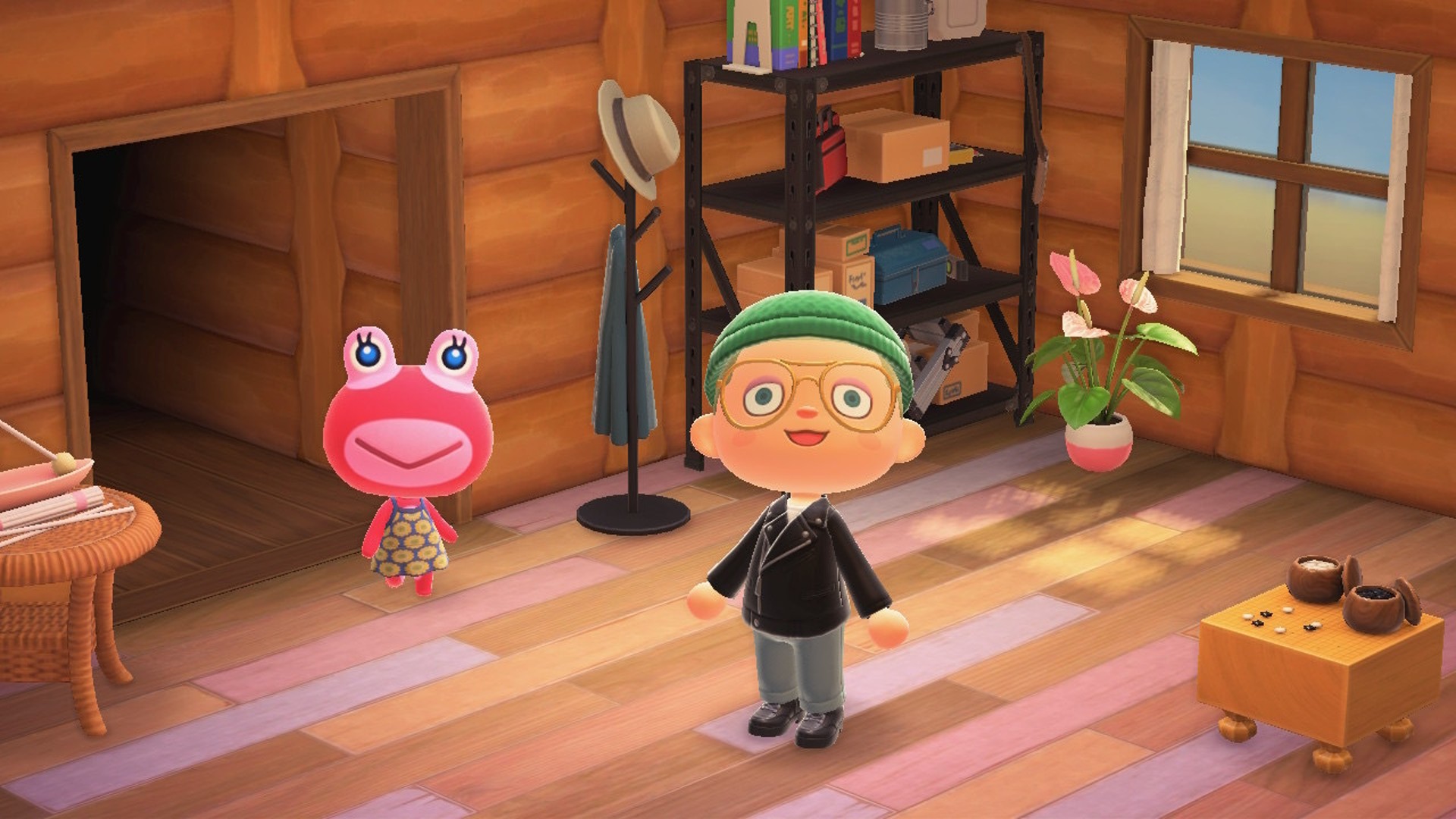 How to get the magic wand and star fragments in Animal Crossing: New Horizons
Latest in Animal Crossing
How to get the magic wand and star fragments in Animal Crossing: New Horizons
Latest in Animal Crossing
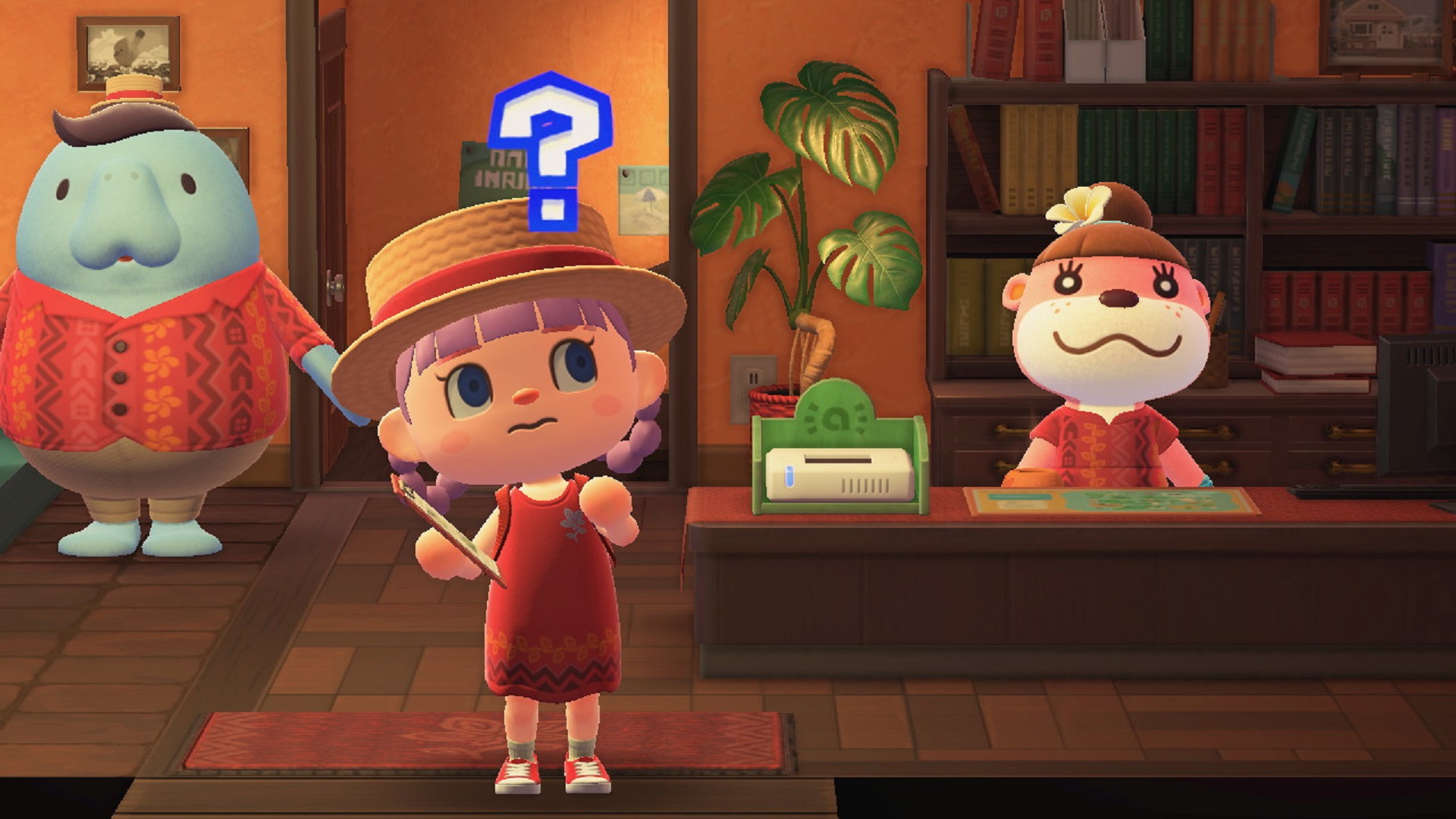 Animal Crossing: New Horizons 3.0 has bad news for anyone who became mortal enemies with their "ugly" villagers
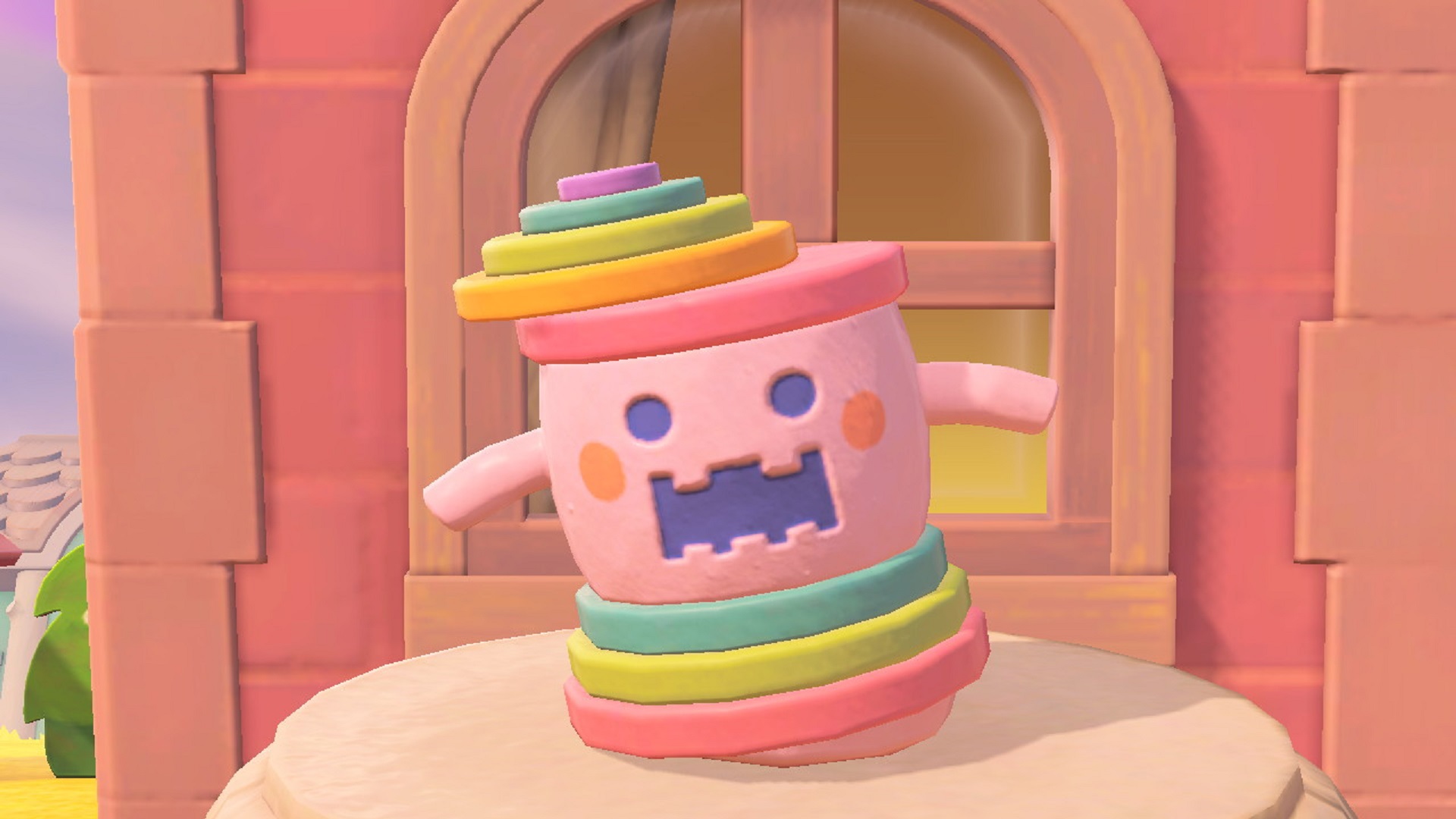 Animal Crossing: New Horizons' pitiful selection of retro games can only be accessed with a Switch Online subscription
 How to update Animal Crossing New Horizons for the new 3.0 update
Animal Crossing: New Horizons 3.0 update is here, and cozy game fans are going feral over one quality-of-life change
How to transfer your Animal Crossing New Horizons island from Switch 1 to Switch 2
How to update Animal Crossing New Horizons for the new 3.0 update
Animal Crossing: New Horizons 3.0 update is here, and cozy game fans are going feral over one quality-of-life change
How to transfer your Animal Crossing New Horizons island from Switch 1 to Switch 2
 How well do you know Animal Crossing: New Horizons?
Latest in Guides
How to get and use the megaphone in Animal Crossing New Horizons on Switch 2
How well do you know Animal Crossing: New Horizons?
Latest in Guides
How to get and use the megaphone in Animal Crossing New Horizons on Switch 2
 How to escape Fort Joy in Divinity Original Sin 2
 How to find plant fiber in Hytale and get all you need
 How to get Nebora to remove your collar in Divinity Original Sin 2
 NBA 2K Mobile codes (January 2026) and how to redeem them
 How to play with friends in Hytale and join their world
GAME REVIEWSMOVIE REVIEWSTV REVIEWS
How to play with friends in Hytale and join their world
GAME REVIEWSMOVIE REVIEWSTV REVIEWS 1Looking for a good 2-player board game? This superhero adventure is worth suiting up for
- 2Trails Beyond the Horizon review: "This JRPG's thrilling real-time and turn-based combat evolves Metaphor ReFantazio's hybrid battles, making up for a poorly paced adventure"
- 3This alt-history board game is still a gold standard for modern strategy
- 4Skate Story review: "A beautiful and unique skateboarding game with great, stylized visuals set in a grungy underworld"
- 5Octopath Traveler 0 review: "The strongest entry in this retro-styled JRPG series yet, I love the greater focus on tactical battles"
 128 Years Later: The Bone Temple review: "The wildest and weirdest entry into the franchise yet"
- 2Avatar: Fire and Ash review: "Still a technical marvel, with some of the year's best action filmmaking"
- 3Five Nights at Freddy's 2 review: "We have waited two years for a Five Nights at Freddy's 1.5"
- 4Wake Up Dead Man: A Knives Out Mystery review: "Brings Knives Out back to its roots for a sequel that's almost on a par with the original"
- 5Wicked: For Good review: "Builds to an incredibly cathartic conclusion, but isn't quite as captivating as Part 1"
 1Starfleet Academy review: "It may feel a little different to what we're used to, but this is Star Trek through and through"
- 2A Knight of the Seven Kingdoms review: "This Game of Thrones spin-off is a surprisingly heartfelt and fun return to Westeros"
- 3Stranger Things season 5 finale review: “Shows off both the best and the worst of Hawkins”
- 4Stranger Things season 5, Volume 2 review: “All set up for a finale that has so much to deliver”
- 5Fallout season 2 review: "A hell of a lot of fun despite being overcrowded and convoluted"