 Aram Bartholl/YouTube
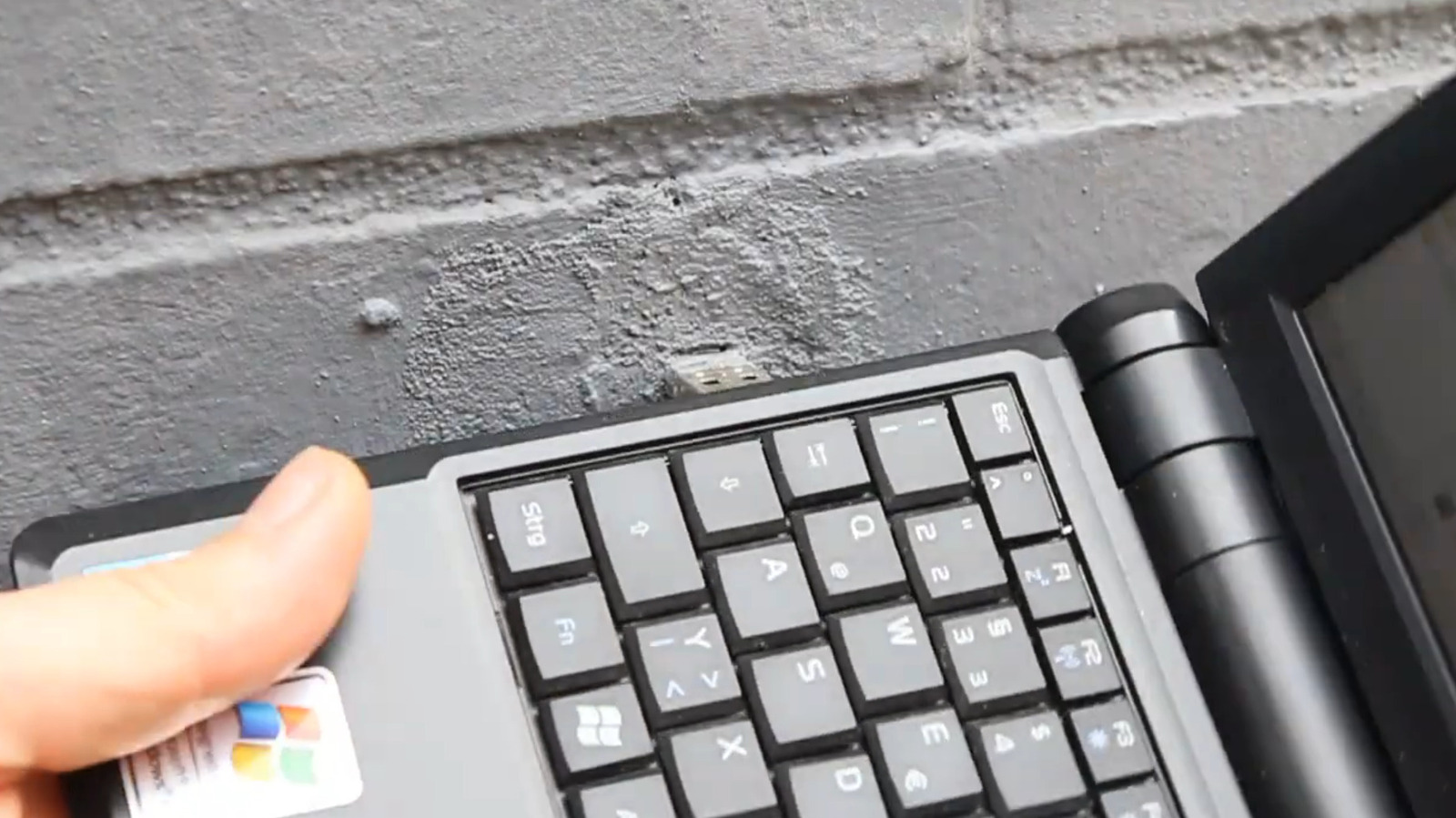
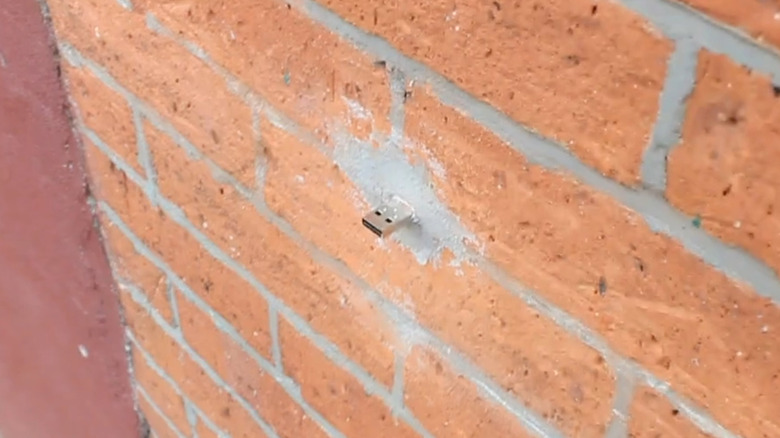
If you've spent much time walking around New York, Los Angeles, or even Berlin, you may have been observant enough to spot USB drives sticking out from unexpected holes in mortar and brickwork. The purpose of these mysterious drives isn't immediately clear when you look at them. They don't come with any interpretation, any indication of their contents, and you can't even usually tell who put them there. But that ambiguity is actually a part of the point of the whole project.
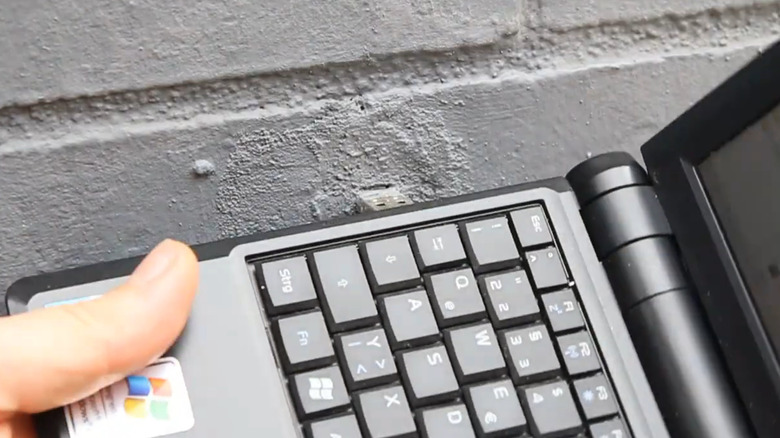
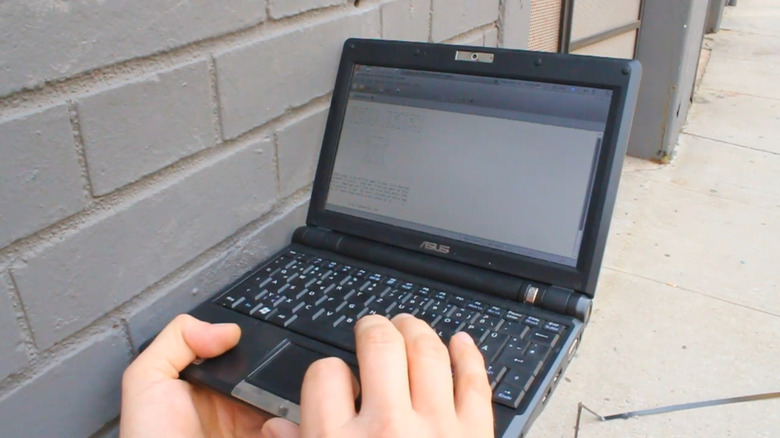
These cryptic storage drives are known as Dead Drops, taking their name from an anonymous drop-off technique used by spies. It started as a guerrilla art project created by artist Aram Bartholl back in 2010, creating an anonymous file-sharing system that anyone can interact with, in any location. Its premise is simple: all you need to do is take your laptop to one of the Dead Drops and plug it in to either retrieve whatever's on it, or to leave something there for the next person to find. It's kind of like a digital scavenger hunt, where you can leave treasure just as easily as you can find it.
Although the project kicked off more than a decade ago, there's still a healthy community out there sharing their files peer-to-peer through literal holes in the wall all around the world. According to the Dead Drop Database, you can find these USBs from locations as disparate and far-flung as the streets of Sydney, Iceland's coast, and even in a padlock outside of Osaka Castle in Japan. As of 2026, there are more than 2,300 Dead Drops tucked away on unsuspecting streets all around the globe, collectively boasting over 75 terabytes of storage.
What can you find in USB Dead Drops?
 Aram Bartholl/YouTube
You might suspect that plugging your PC into a random USB drive is an easy way to get a virus, and you wouldn't be entirely wrong. But the Dead Drops project is also a wellspring of interesting finds, resources, and other digital goodies. With some drives being as small as a few hundred kilobytes and others as large as a terabyte, the exact contents of each drive can vary massively, from memes to peculiar poetry and videos.
When the first USB drives were installed as a part of the Dead Drops installation, they each only included one file: a Text file provided by artist Bartholl titled readme.txt, explaining the nature of the project. After that point, users were invited to interact with the work by uploading or removing any files they wanted. Since anyone can take part in the project by creating a physical Dead Drop and listing it on the community database, these USB drives can technically contain anything. Some drives have included games, book reviews, and links to internet horror content called Creepypasta. Not every drop is fun and games, though — in Cologne, journalists at Express even found instructions that allegedly showed how to build a bomb on one of the drives.
Some organizations also use USB Dead Drops to distribute their work in public spaces. In the United Kingdom, BSDeathDrives operates as an offline distribution network for artists, with USB drives being left around Bristol to share digital art and a map of the network. Meanwhile, in Tokyo, Dead Drops are being used by magazines like Water Walk Music to facilitate the sharing of audio works and essays.
How to safely use a USB Dead Drop
 Aram Bartholl/YouTube
Bearing in mind that anyone can fill up and leave a USB drive anywhere, anything could happen when you plug your device into a Dead Drop. As a result, you can't access one without at least a little bit of risk. However, there are a few different measures you can take to help protect your PC, such as safely testing the USB drive.
Per the Dead Drives FAQs, drives are left in public spaces, so there's a high chance they'll be misused for malicious reasons. Protect your laptop while accessing it by booting up offline and in Safe Mode, running the drive on a virtual machine, or testing it on a secondary system like a Raspberry Pi. Make sure you're also running antivirus software and frequently scanning for threats. Lastly, you might want to exercise extra caution when opening particular file types like executable files, which can install software.
Looking for how to make your own USB Dead Drop? All you need to do is grab a USB drive, decide what you're going to put on it, load it up with the Dead Drops manifesto, and choose where you're going to leave it. The Dead Drops site suggests taking the case off and mounting it in fast-drying cement, but since the project launched, drives have been installed in all kinds of different ways, so it's up to you. Once you've dropped your drive, you should list it on the Dead Drop Database, so others know where to find it. It could even be one of the best ways to use an old flash drive, since you're not going to be getting it back out of that wall anytime soon.